Tips and tricks for smart lighting compatibility
By Robbert/ January 18, 2024
Want to get more out of your smart lighting? This guide is for you! We'll discuss how to troubleshoot if your smart bulb doesn't connect and how to make different brands of bulbs work well together. Learn how to check your WiFi, restart your lamp, and what to do if you have lamps from different brands.
We give you simple, straightforward tips to make everything work smoothly. With this handy advice, controlling your smart lighting will be a piece of cake. So, don't get discouraged by technical hurdles - make your home smart and cozy with ease!
My smart lamp is losing connection, what should I do?
If your smart lighting isn't working properly or is offline, there are a few simple steps you can follow to fix the problem.
- Check your WiFi connection: Smart lighting often works over WiFi. Make sure your WiFi network is active and your lamp is within signal range.
- Reboot your smart bulb: Sometimes turning the bulb off and on again can help. Wait a few seconds before turning it back on.
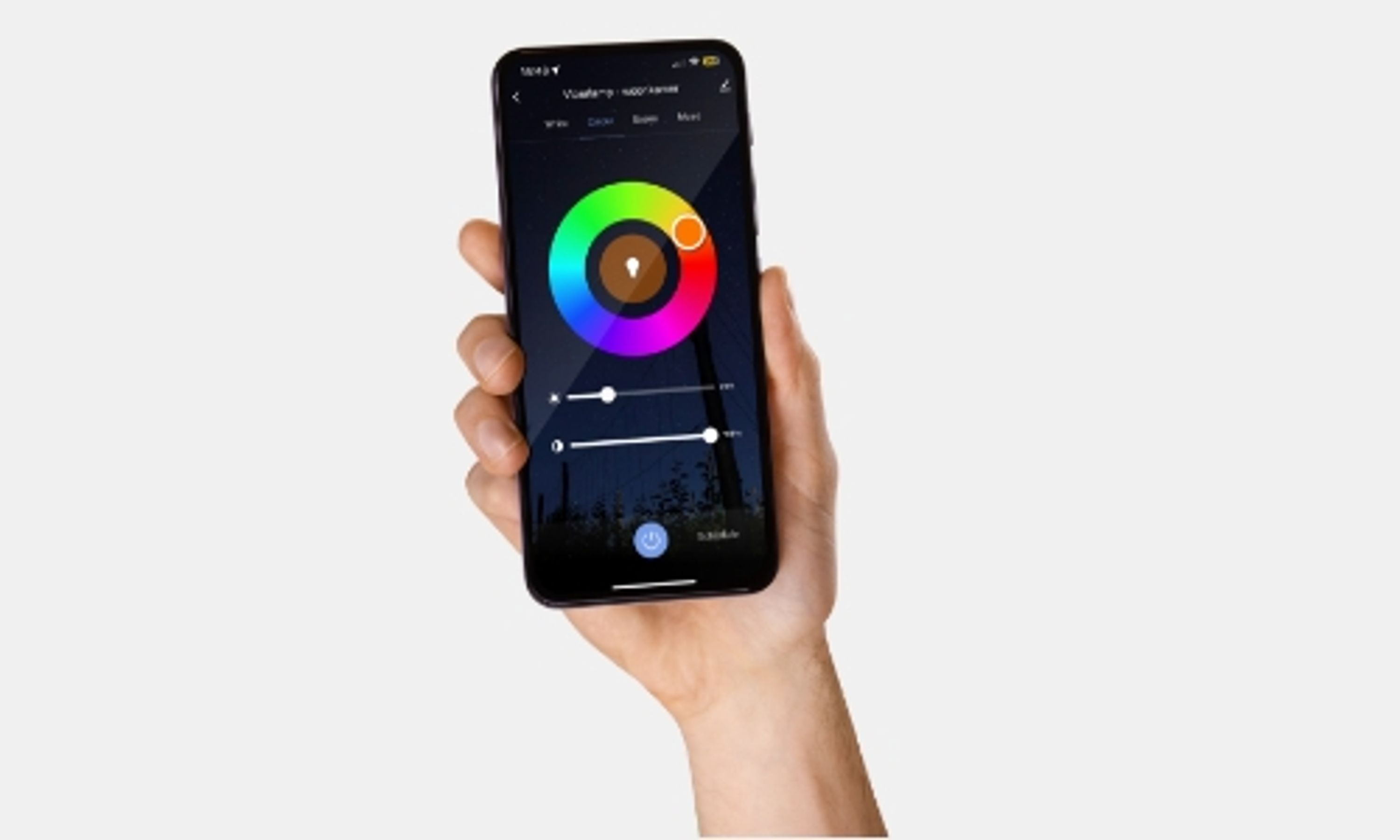
- Check the app: Are you using an app to control the lamp? Make sure the app is up to date. Also check that the lamp is correctly registered in the app.
- Reset your smart bulb: If the above steps don't work, try resetting your bulb. How to reset may vary by brand, so check the manual or the manufacturer's website for this.
- Check for updates: Sometimes problems can be caused by outdated software. Check for updates available for your smart lighting system.
- Contact the manufacturer: If none of these steps work, contact the manufacturer's customer service department for further assistance.
The important thing is to be patient and follow the steps systematically. Often the problem is easier to solve than it seems!
Need help connecting your smart lighting to the app? Read the explanation here:
Or watch the handy instructional video below:
Are there compatibility issues between different brands of smart lighting?
When combining smart lighting from different brands, you can sometimes run into compatibility issues. This happens mainly because each brand often has its own way of communicating. For example, some brands use Zigbee or Z-Wave, while others may rely on Wi-Fi or Bluetooth. This means that a lamp from one brand may not always work seamlessly with another brand's system.
In addition, many smart bulbs have their own specific apps for controls and settings. If you have lamps from different brands, you may have to use multiple apps, which is not always convenient. Fortunately, there are umbrella systems, such as Google Home or Apple HomeKit, that can integrate different brands, but this is not always guaranteed.
Another concern is integration with broader smart home systems. Not all smart lighting products work equally well with popular platforms like Amazon Alexa, Google Assistant, or Apple HomeKit. So if you already have a smart home system, it's smart to check if the new lighting will work well with it.
Finally, there may be differences in the features offered by different brands, such as color options, brightness or special lighting effects. These variations can affect the experience of using smart lighting, especially if you are looking for a uniform look or atmosphere in your home.
In short, it's wise to research carefully beforehand how compatible smart lighting products from different brands are, both with each other and with any other smart home devices you may have. This will prevent surprises and ensure a smooth, seamless experience in your smartly lit home.