What is the LUUMR app and how does it work?
By Robbert / January 11, 2024
Did you ever dream of a home that seamlessly adapts to your life? Where lights, heating and even blinds control your comfort effortlessly and remotely? Meet LUUMR, the app that transforms your house into a truly smart home.
With LUUMR, effortlessly manage all the smart devices in your home via your smartphone or tablet. Whether it's the lights in your living room or the temperature in your bedroom, everything is just a tap away. No more hassle with overloaded apps; with LUUMR, you keep control simple and clear.
What is the LUUMR app?
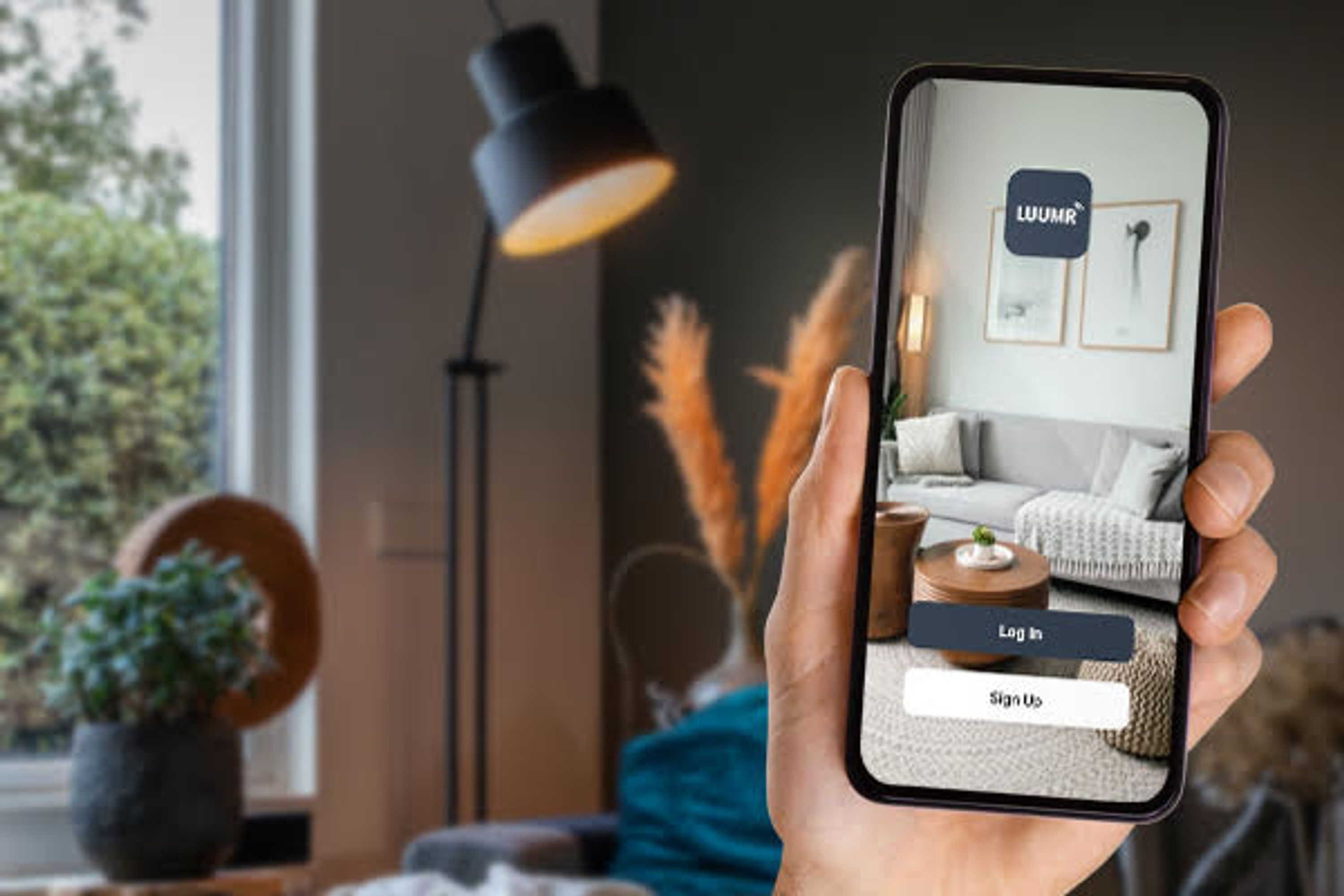
LUUMR is an easy-to-use app designed for effortless control. It acts as the central hub for various smart home devices such as lights, curtains, heating, garage doors and doorbells. With a focus on simplicity, technical knowledge is not required to use the app, making it accessible to everyone. Based on Tuya technology, LUUMR offers a wide range of compatibility.
Appearance of LUUMR
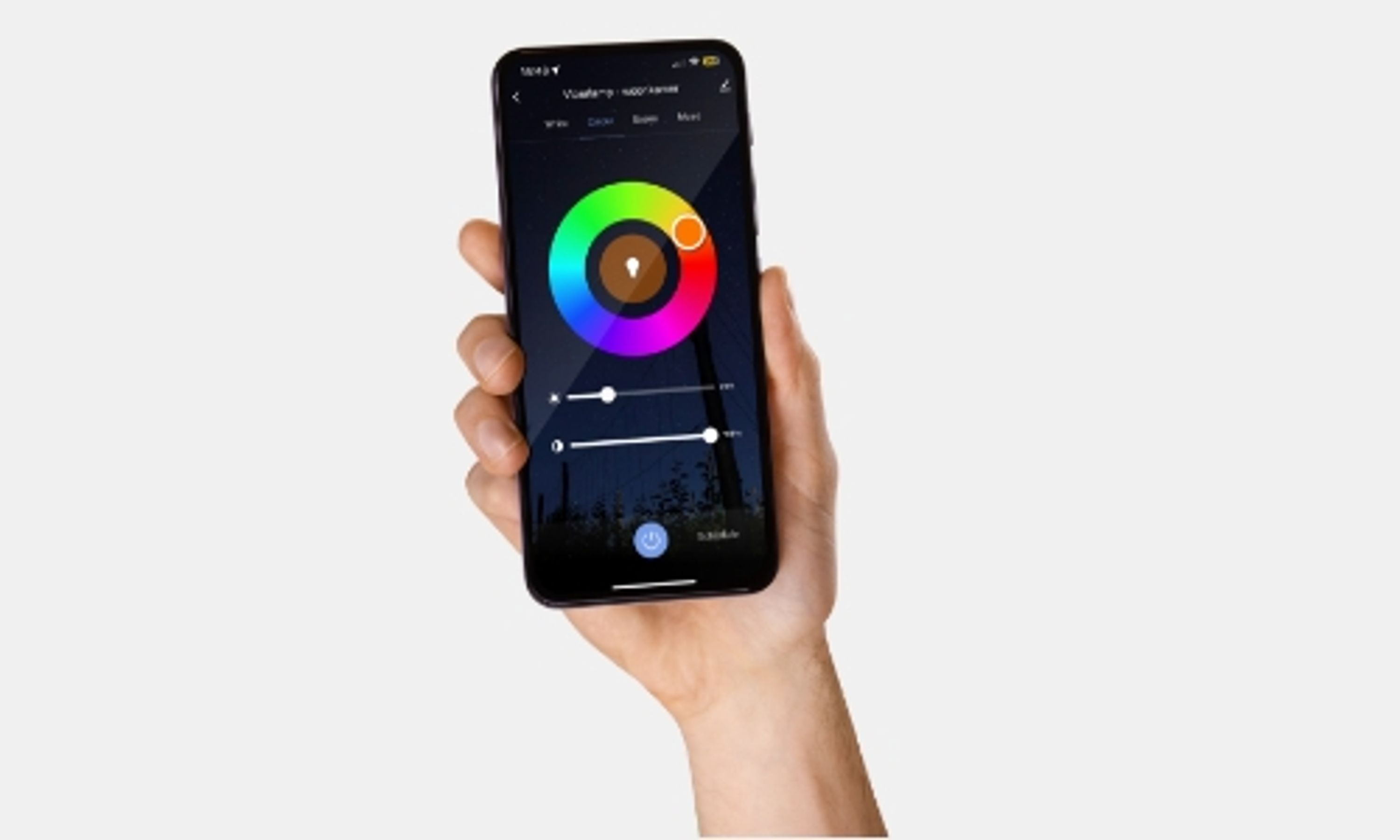
LUUMR's interface is sleek and modern, focused on intuitive navigation. The main menu gives direct access to all connected devices, where you can effortlessly set controls, scenes and routines. Both new and experienced users can quickly become familiar with the app, with the ability to explore deeper, more advanced features. Open the app in seconds and quickly set your smart devices to the desired mode.

Personalizing settings
Fully personalize your smart home experience with LUUMR. Set scenes for specific situations, such as a "movie night" or "morning routine," controlling multiple devices simultaneously. Create routines that activate automatically based on time, location or other triggers. These personalization options tailor your smart home to your lifestyle and preferences.
Imagine this: after a long day of work, you come home. The lights come on, dim to a warm atmosphere, the curtains close automatically, and it's already nice and warm thanks to preset heating. This and more becomes possible by adding simple time schedules to your smart devices. That way you keep time for what really matters.
Adding a timer to your smart devices is simple. Tap the desired smart device in the app and go to the "Schedule" option. Here you set when the device should activate. Choose to create schedules for each day of the week and/or repeat weekly. Ideal for the planners among us!
Safety and reliability
At LUUMR, the security and privacy of users is paramount. Advanced security technologies are employed to ensure that the user's data and home are safe at all times. Secure servers, data encryption and regular updates are employed to ensure security. In addition, LUUMR is known for its reliable operation, allowing users to confidently rely on the proper functioning of their smart devices.
How to pair smart bulbs with the LUUMR app
Pairing your smart bulbs is easy to manage and requires no technical knowledge. In this this video, we explain how to simply and quickly pair your new smart bulbs with the app.
Here are the steps for pairing your new light sources.
- Step 1: Download the LUUMR app
If you do not already have the LUUMR app Download it from the App Store or Google Play Store. Here is the link to download the app: Download LUUMR in the app store. - Step 2: Create an account
Open the LUUMR app and follow the on-screen instructions to create an account. This is simple: enter your email address and choose a password. With a unique login, LUUMR ensures that your settings, preferences and devices remain secure and private. - Step 3: Make sure your lamps are ready
Before you connect your lamps to the app, make sure they are properly installed and turned on. This means they must be in the correct fittings and the switch must be on. In most cases, the lamps will start blinking, indicating that they are looking for a connection and are ready to be paired. - Step 4: Add Device in the LUUMR App.
In the LUUMR app, look for the option to add a new device. This is a "+" sign at the top right of the screen. - Step 5: Select your lamps
From the list of available devices, choose the type of smart bulb you have. The app will walk you through the specific steps to pair your lamps. This may involve flashing the bulbs or pressing a button on the bulb. This may vary by lamp type. - Step 6: Follow the instructions
Follow the on-screen instructions. The app will walk you through the process of connecting your lights to your network. This may take a few minutes. - Step 7: Name your lamps
Once the lamps are paired, you can give them a name. This will make it easier to recognize and control them later. - Step 8: Control your lights
Now your lamps are connected and ready to use! You can turn them on and off, dim them and possibly change colors (depending on the type of lamp) directly from the LUUMR app.
And that's it! If you encounter problems during this process, check the manual of your smart bulbs or contact customer service for assistance.